
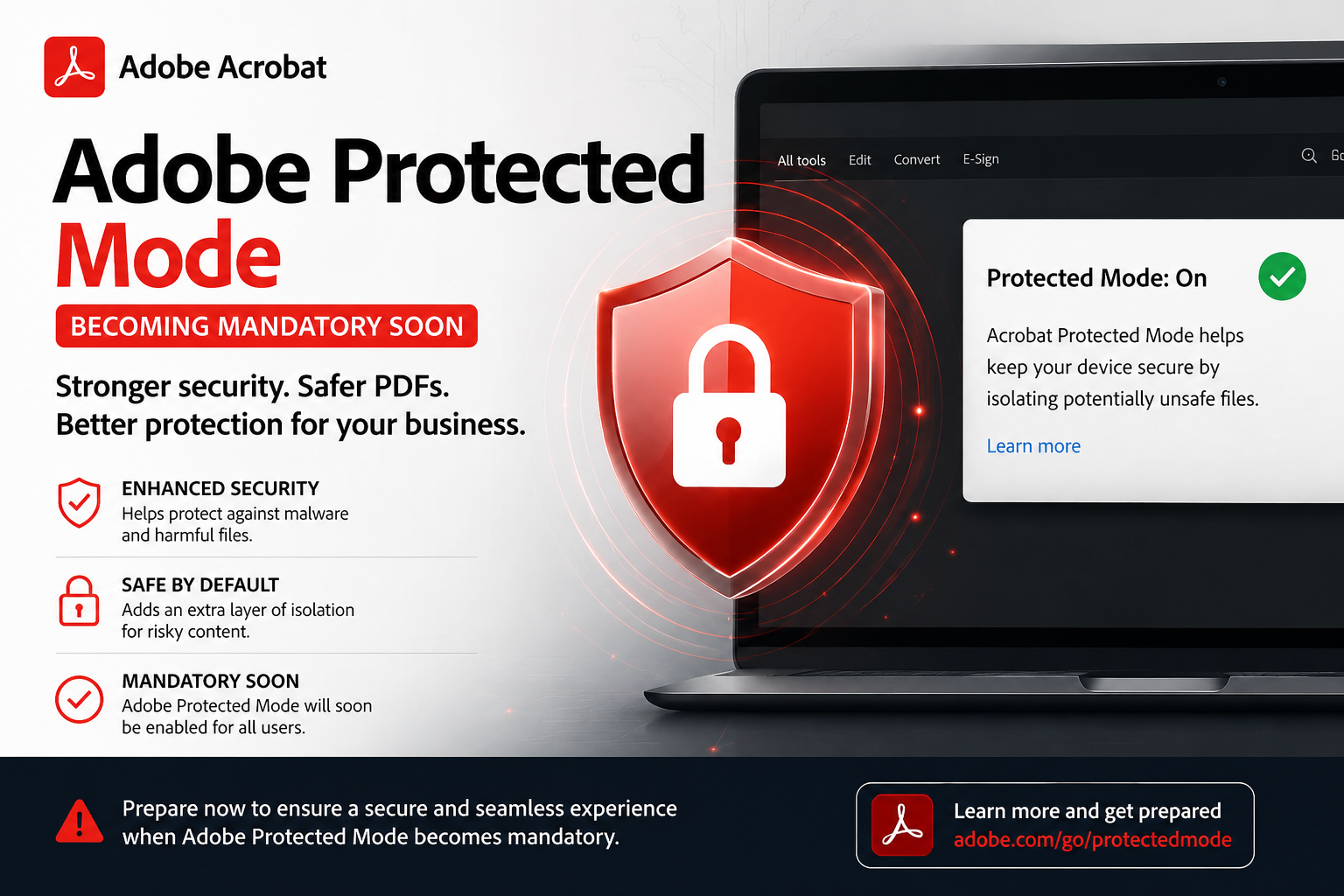
Adobe™ plans very important changes to Acrobat on Mac.
In August 2026, we expect Adobe to switch to using Protected Mode on Mac systems with
NO WAY TO SWITCH IT OFF.
Protected mode locks out many things in Acrobat that used to be possible.
Fundamentally, Adobe Protected Mode is a built-in security sandbox that isolates potentially malicious PDF files or extensions to prevent them from executing code or accessing system files
This will affect all users who allow Acrobat to auto-update, or who make a new install.
It applies only to Mac users, not to Windows.

As Adobe has officially announced that Protected Mode will become mandatory in Acrobat (macOS) this August. This change directly impacts your PitStop Pro setup if you haven’t upgraded to PitStop Pro 26.07.
PitStop Pro versions older than 26.07 do not support Protected Mode, meaning when Adobe enforces this update in August, your current version of PitStop Pro will stop working completely. PitStop Pro 26.07 gives you full support for Protected Mode, so your workflow can keep running smoothly.
If you currently use licences without an active Maintenance Contract, you cannot upgrade to 26.07. Your software will break when Adobe makes this change.
You can see the full Enfocs article here: https://www.enfocus.com/en/pitstop-pro/whats-new/pitstop-pro-protected-mode
Act now to avoid production downtime. You can convert your existing licenses to a subscription to ensure continuous operation. Right now, you can trade-in your licence for a subscription and get 50% off your first year. Contact us below to trade in your licence.

This changes things radically for plug-ins and an update to Quite Imposing Plus v6.1 will be needed.
Fortunately, as a licensed user of v6 you can update free of charge to version 6.1. If and when Adobe follow their plans there will be new messages at various times that are needed to allow access. You can read more at https://www.quite.com/general/macprotectedmode.htm.